Select a language
IRT Cronista is available in several interface languages.
To change the interface language: 1.Select File > Language. 2.Select a language. 3.Select OK. |
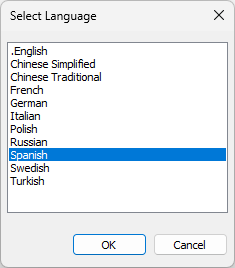
Note: Restart IRT Cronista to apply the interface language change.
Select a temperature unit
IRT Cronista supports Celsius, Fahrenheit, and Kelvin.
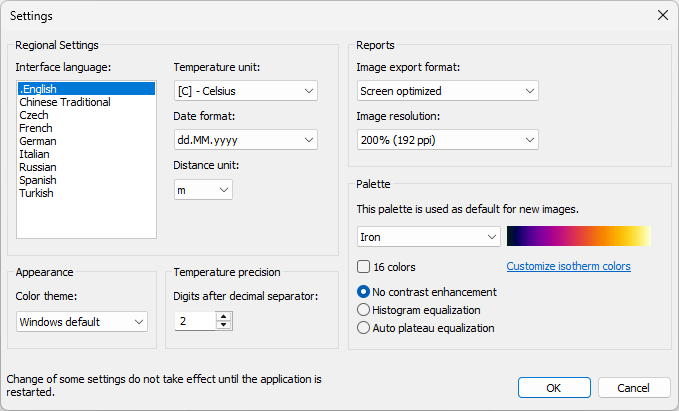
To change the temperature unit: 1.Select Tools > Settings. 2.In Temperature unit, select Celsius, Fahrenheit, or Kelvin. 3.Select OK. 4.Restart IRT Cronista. |
Other settings
The Tools > Settings dialog also contains these settings:
·Date format: Sets the date display format: dd.MM.yyyy, MM/dd/yyyy, or yyyy-MM-dd.
·Distance unit: Sets the displayed distance unit.
·Color theme: Sets the application color theme.
·Image export format: Select Print optimized for keeping text and image overlays in a vector format, or Screen optimized for raster image output.
·Image resolution: Sets the resolution of exported images. Higher values improve image quality but increase report size.
·Digits after decimal separator: Sets the number of decimal places, up to two, displayed for temperature values.
·Palette: Sets the default palette for new images.
These settings apply throughout the program.