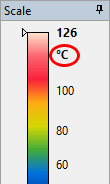
Choose Celsius (°C), Fahrenheit (°F), or Kelvin (K) as the temperature unit in IRT Cronista. The Temperature Scale window shows the current unit beside the color bar.
Changing the temperature unit requires a program restart. Save any unsaved work before proceeding.
To change the temperature unit:
1.Open the Tools menu.
2.Select Settings.
3.Select the required unit from the Temperature unit list under Regional Settings.
4.Click OK.
5.Confirm the program restart when prompted.
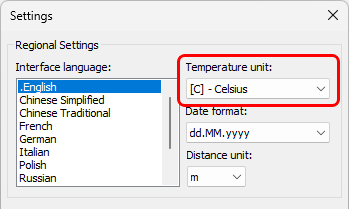
The new unit takes effect after the program restarts.