To transfer a IRT Cronista license to another computer, deactivate it on the current computer. After deactivation, use the license (Installation Key) to install IRT Cronista on another computer.
Select Help > Deactivate License in the main menu.
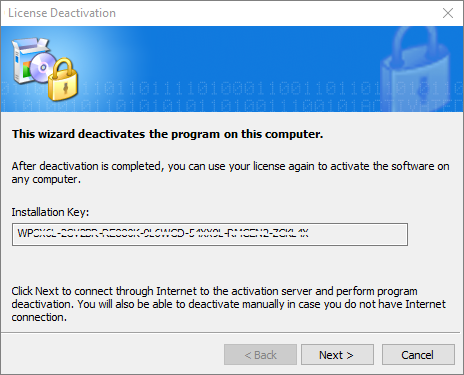
Select Next to deactivate the software through the Internet. If the computer is offline, use the displayed QR code and a smartphone to deactivate the license manually. The manual deactivation process is similar to manual activation.
Important: Opening the QR-code page deactivates the local program, but the license server continues to count the computer as active. Scan the QR code or contact your software provider to complete deactivation. If deactivation is interrupted, reactivate the software on this computer and deactivate it again to remove the computer from the activation list and release the license. |